

Link to another drawing
A linked drawing is useful for including on a drawing other, typically standard items, such as the drilling for a handle or other fixing. Use this, for example, to include on a drawing other common drawings for machining smaller units such as a set of holes for a handle or recesses for a hinge.
● Select: Function - Link
or
 Select the Toolbar option
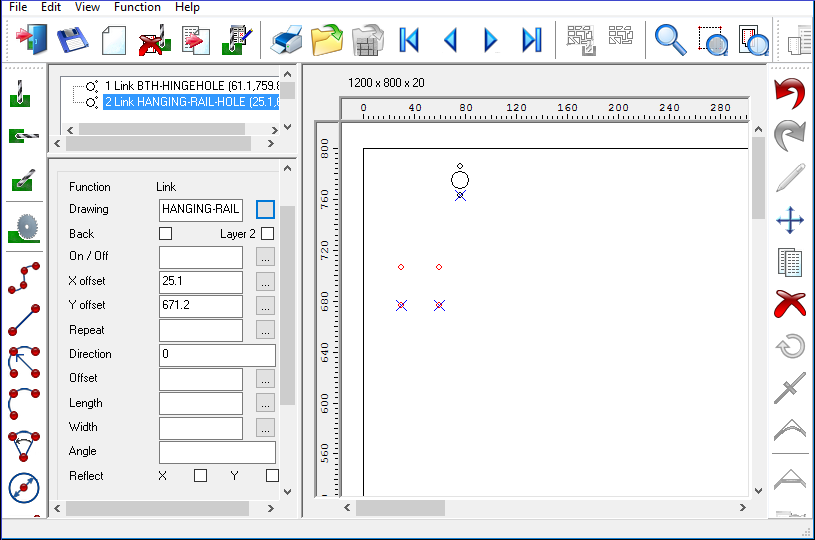
 Use the list box to select
a drawing (only drawings marked as linked drawings are shown)
Use the list box to select
a drawing (only drawings marked as linked drawings are shown)
● Select drawing to add in
 Use Mouse to move added drawing to the required loaction
The added drawing is shown by the cursor as a dotted rectangle.
● Click left mouse button to finish
● Adjust the values with the Machining instructions pane at the left
Notes
When the linked drawing changes the changes apply automatically to all drawings using that link.
A drawing can only be linked to another drawing if the link property for the drawing is set
