

Drill at any angle
● Select: Function - Universal drill
or
 Select option from the
Function Toolbar
Select option from the
Function Toolbar
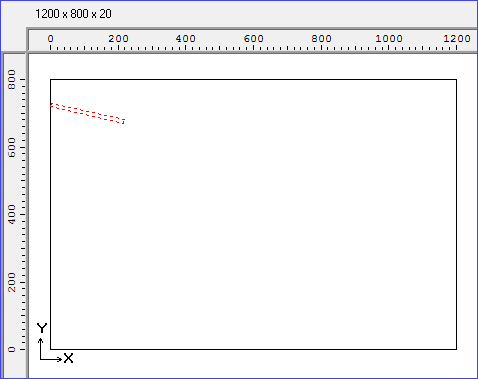

Move the cross hair cursor to the required location
First click - Start
Move to create drill line
Click to set angle (and depth if not set)
Move to create diameter
Click to finish
● Adjust the values with the Machining instructions pane at the left
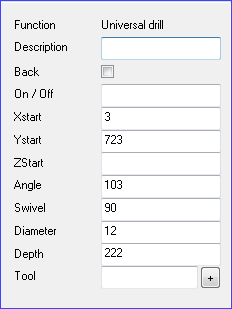
ZStart value - position in Z direction
The angle is the angle in the XY plane
The swivel is the angle in the Z plane (upright) - 0 represents a vertical drill and 90 a horizontal drill
The swivel must be entered manually.The default is 90.
The tool box may need to contain extra information about the operation.
Tool number
Condition
Position in Z
Feed speed
The drill is shown by a dotted rectangle (or a circle if the swivel is set to 0 - vertical drill). The side of the rectangle representing the depth shortens as the swivel is decreased to represent a steeper drill.
Transfer to machining centre - this function is only available for transfer mode 8
