

Review on-screen form and label design including data
● Select: File - Data Preview
This can give a more accurate preview of the design especially where the resulting printouts may extend over several pages. The program prompts for the data to use, for example. part lists, product requirement lists ...
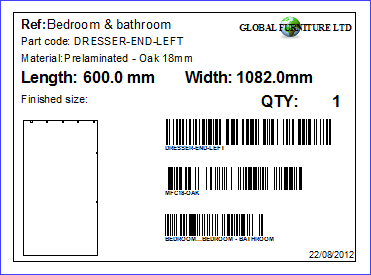
At the preview screen:-
Use the ZOOM option to change the viewing scale
● Select PRINT to print a copy of the PREVIEW
● Select 'Exit' to return to the design screen
The print orientation is set by the design / template file in the 'General parameters' section.
