

Set flood fill used by all new drawing objects
At the drawing screen:-
● Select: Edit - Flood fill
The flood fill is the pattern or colour that fills the nearby area when a 'Fill point' is placed on the drawing.
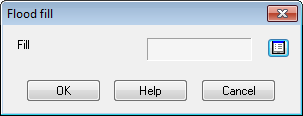
Program shows a dialog to enter the default fill
 Select
the list box to move to the Fill dialog
Select
the list box to move to the Fill dialog
● Enter the details of the fill at the Fill dialog.
The fill for any fill point can later be changed when working on the drawing.
