

Print summary of Estimated / Optimised Orders
This is a summary report showing one line for each Order. At the main screen:-
● Select: Print - Order Report
The program shows a dialog to select the Range of Orders to print
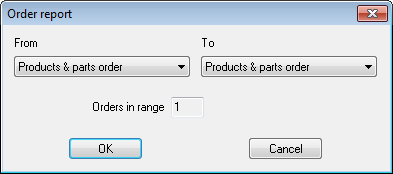
 Use the list box to select the range.
The number of orders selected is shown
● Select OK to print
Report content
Order number
Customer code
Customer name
Order date
Invoice date
Status
Value
