

Form / label property to control whether a data item is shown
For each field in a form or label design there is a visible attribute. This is used to specify whether the field is shown on a printout. This property is set at the Property dialog for each data item.
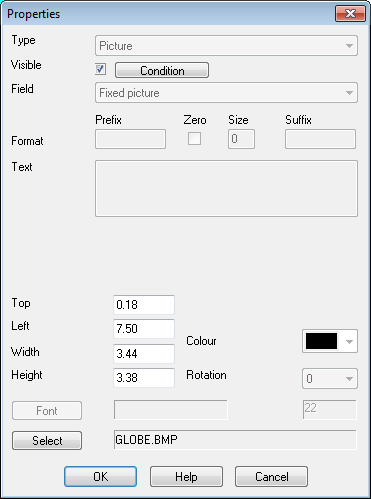
A condition can be applied to the visible flag, for example, to only show the item if the length of the item is greater than 200mm
● Click on the Condition button
The program displays a Condition dialog
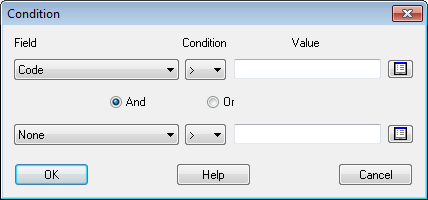
● Enter a condition
A condition can be made of up to 2 different fields (e.g. Length > 500 and Width > 500). Each field can have a different condition.
Notes
- The condition button is only available for forms and labels produced by the Optimising program and Online label PC labels. It is not available for CADmatic labels or Homag labels.
- If the visible attribute is set and there is no condition the item is always included
