

Outline of the steps to achieve nested optimising
● Create a part list
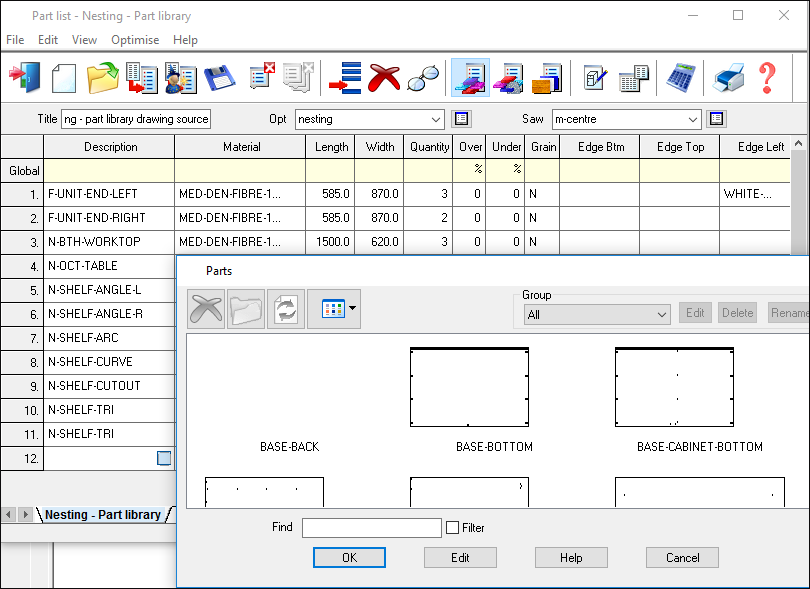
Where parts may include machining (drills, routs ....). Parts can be select from different sources:-
- Machining library
- MPR(X) files
- Drawing library
● Set the Machining Centre parameters for Nesting (Nested patterns tab) ready for transfer to the saw.
This set up affects the format of the optimising results so it is best to set this up before optimising.
Set the Pattern format as either:-
Machining library
MPR(X)
Where the part list includes MPR(X) files you must use the MPR(X) format.
If using the Machining library format make sure to set the other Machining centre nesting parameters (these do not apply to the MPR(X) format).
● Optimise
Set up an Optimising parameter list for this (in the usual way). Use only the Nesting Optimiser types:-
Rectangular nesting
Standard shaped nesting
Industrial nesting
● Check the results via Review runs
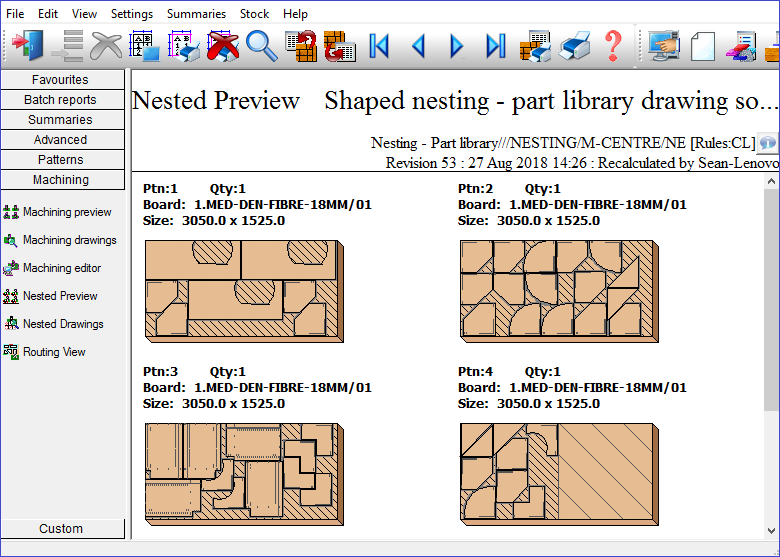
Parts and patterns can be edited via the pattern and part editors if necessary.
● Use the Machining transfer to send the patterns to the Machining centre
