

Pre-defined information box (field) for nesting
Use this field at the part list to assign a part to a template.
At the part list:-
● Move to the part required
● Select information box: Template router
The program displays the Template router dialog:-
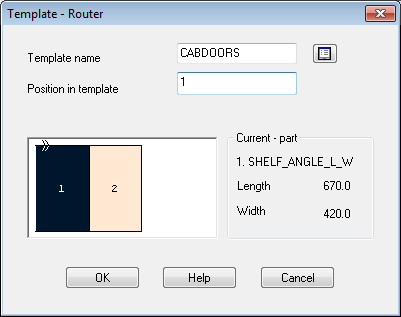
● Select the template required
● Click on an area in the template to assign the part to the template
Notes
- positions can also be entered as numbers separated by a space
- where the part occupies more than 1 position select the positions required
