

Print cutting list labels from within Review runs
Labels for cutting patterns and/or cutting lists can be printed from within Review runs. At the Review runs screen:-
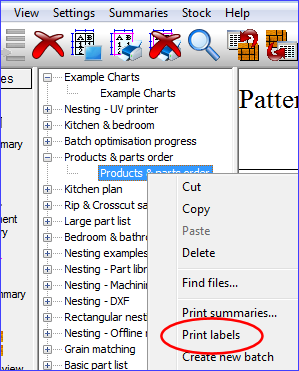
● Move to or open the 'Runs pane'
● Right click on a run
● Select: Print labels
The program prompts for a label format to use for printing.
.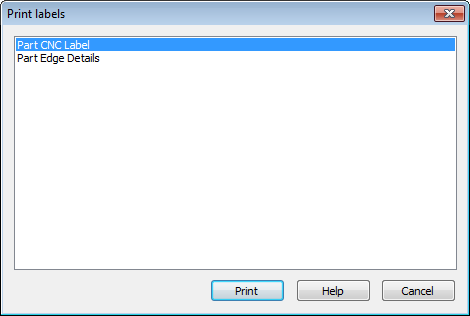
● Select a label format
● Select: Print
The print then proceeds.
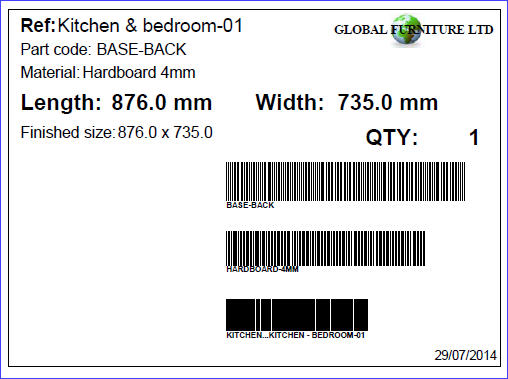
- Print labels is also an option on the File menu (Review runs - File - Print labels)
- Print options are also at the Main screen (e.g. Print - Labels -Patterns). See: Print Forms and Labels
