

Merge products
Add contents of one product to another
At the Product library screen
● Select: New (or at an empty product screen)
● Set Type as: Product
● Enter a new product code
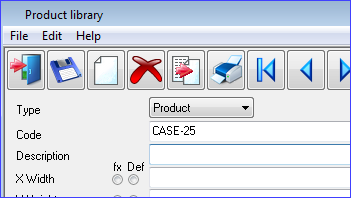
● Move to Description
● Select: Edit - Merge
or
 Select
Toolbar option
Select
Toolbar option
The program shows the list of products.
● Select a product to merge in
At the Product details grid
This is the data in the lower section of screen the parts and fittings in the product. In this case ONLY the parts and fittings from the product are merged in.
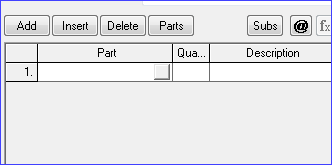
● Select: Add for a new line (or move to a blank line)
● Select: Edit - Merge
or
Select
Toolbar option
The program shows the list of products.
● Select a product to merge in
