

Delete or move a section of a line (drawing library)
At the Drawing library:-
● Select line (with Select Tool)
● Select: Edit - Split line
or
 Select
tool from Edit Toolbar
Select
tool from Edit Toolbar
● Move mouse cursor to line (A small line (split cursor) appears at right angles to the line)
● Place split cursor across line at required point
● Click left mouse button (The split cursor disappears)
● Move mouse near split and select one end of the line
● Move or delete the selected portion of the line
Notes
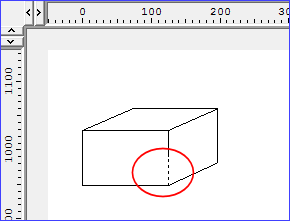
- Objects created with the box tool are created as individual lines so that each line can be selected and changed independently if necessary.
