

Location of current cursor point
At any drawing this option shows the exact location of the cursor on the drawing. Use this to check the positioning of lines and other objects
● Select: Edit - Coordinates
or
 Select
option from Toolbar
Select
option from Toolbar
The program prompts for the co-ordinates.
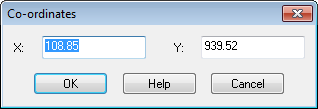
To move the cursor to an exact location enter the co-ordinate in the boxes and select OK
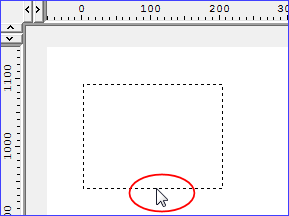
● Select SPACE BAR to view Coordinates
Notes
- Current co-ordinates are shown on the bar at the foot of the program and change continuously as cursor moves
