

Expand or contract view in a drawing
At the Drawing or Machining library screen:-
● Select: View - Zoom
or
 Select Toolbar option
Use this to change the scale of the view shown.
● Select the ZOOM tool
● Mouse cursor changes to a magnifying glass
● Position the cursor on the part of the drawing to view
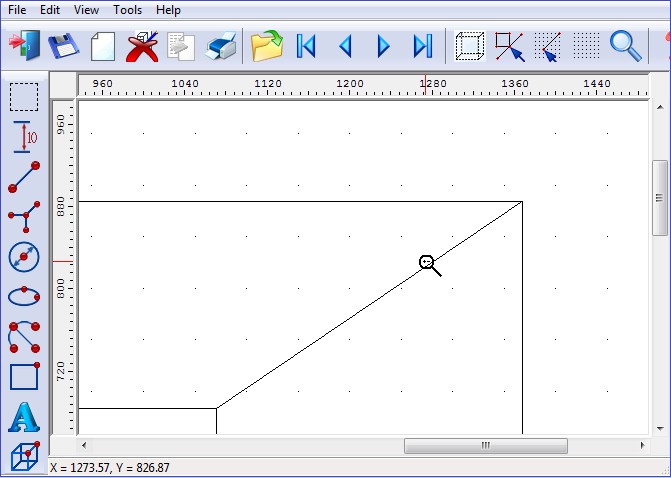
● Click Left Mouse Button - Zoom In
or
● Click Right Mouse Button - Zoom Out
- Select any other option or function to remove Zoom
Notes
- Zoom cycles around the Zoom levels.
