

Use this option to delete a single part or block of selected parts or other items.
 delete record(s)
On choosing this option the program prompts for the range of items to delete.
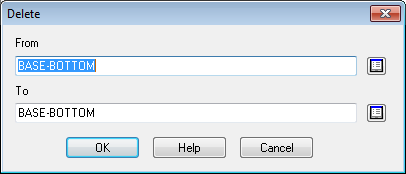
● Enter the code of the first item
● Enter the code for the last item
 Use
the list box to select parts or other items.
Use
the list box to select parts or other items.
OK to confirm
Notes
Deleting parts in products
Once a part is in use in a Product (is included in the definition of a product or sub-assembly do NOT delete it from the Part library. It is difficult to tell whether a part is in use without checking the entire Product library it is therefore possible to delete a part that is in use. In this case the part is not removed from the Product library but the quantity is set to 0 so that the item is not used in the product definition.
