

Make a hard copy of a record or records
At the Part library screen:-
● Select: File - Print
or
 Select the Toolbar option
The program prompts for the range of items to print.
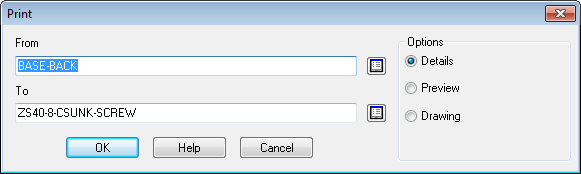
● Enter the code of the first and last item the range to print
 Use
the List box to select codes.
Use
the List box to select codes.
● Set the print options
The default print option is the current item if one is selected or the full range of items.
|
Details |
- full details 1 (or more) pages per part |
|
Preview |
- thumbnail pictures of each part |
|
Drawing |
- drawing and details for each part |
● Select OK to print
Notes
- Where a part code is quite long the first part is shown on the main line and the full code shown on the next line.
