

Commit stock and update board quantities from products
At the Main screen:-
● Select: Stock - Issue stock - Products
or
 Select the Toolbar option (Stock)
The screen displays a list of optimised order or product requirement files
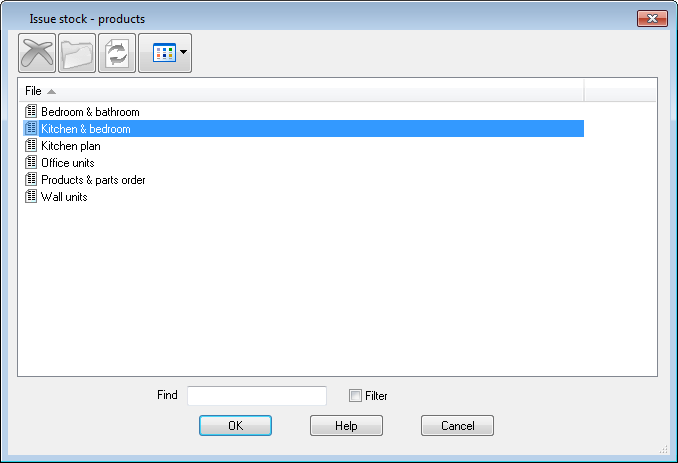
● Select the required file
● Select OK to issue stock
The program prompts to update existing stock.
Whilst issuing stock if the stock quantity of a part in that product fails below the minimum stock quantity then a warning message is displayed.
Fitting and edging tape
These items can be included in the stock issues. To do this set up the system as follows:-
- Include tape edging and the fittings as items in the Board library with the appropriate quantities set.
- Set the System parameters to control how stock updates operate
When edging stock is issued the length for each item is rounded to the nearest whole number.
Notes
- Reservation is NOT available for Products
